- Unlayers
- Edit an image without Photoshop
Edit an image without Photoshop
Photoshop needs the layered file and the skills. Unlayers needs only the flat image. Upload a JPG or PNG and the AI splits it into editable text, cut-outs and background, with a browser editor to change them. Here is how that compares with the tools people usually reach for.
Try the free demoFree demo · No sign-up · 10 images for $9, no subscription
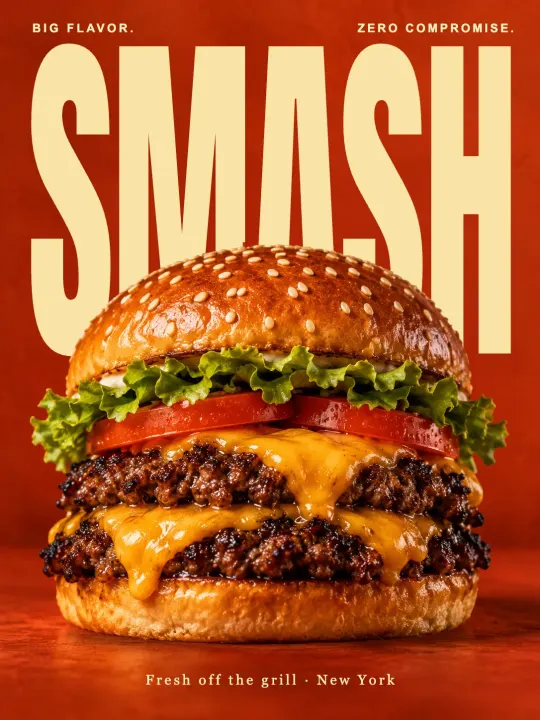 Original
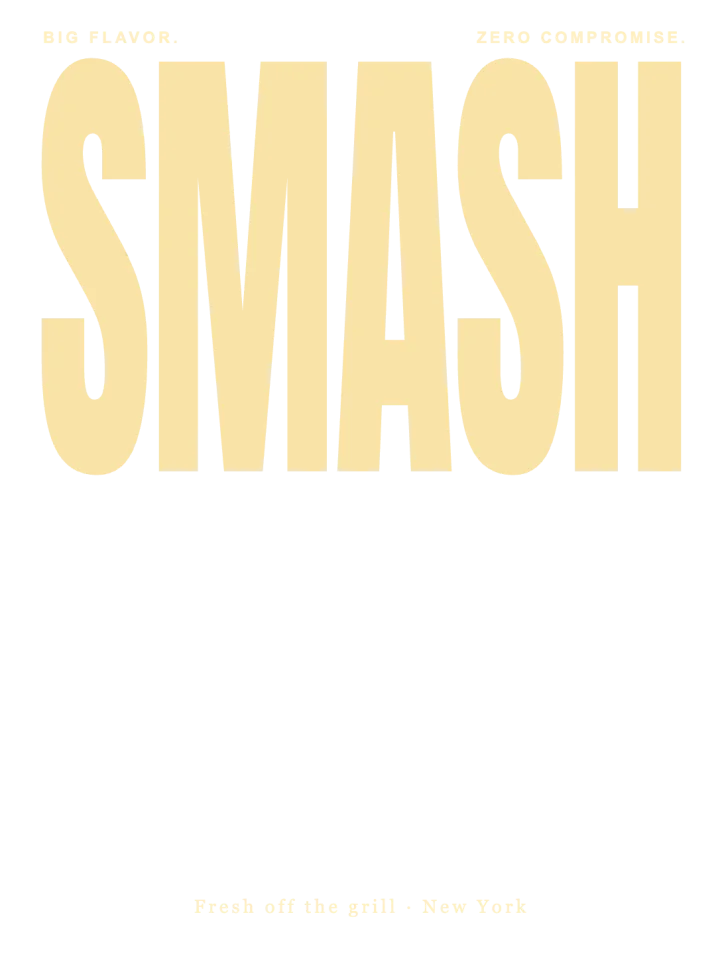 Editable text
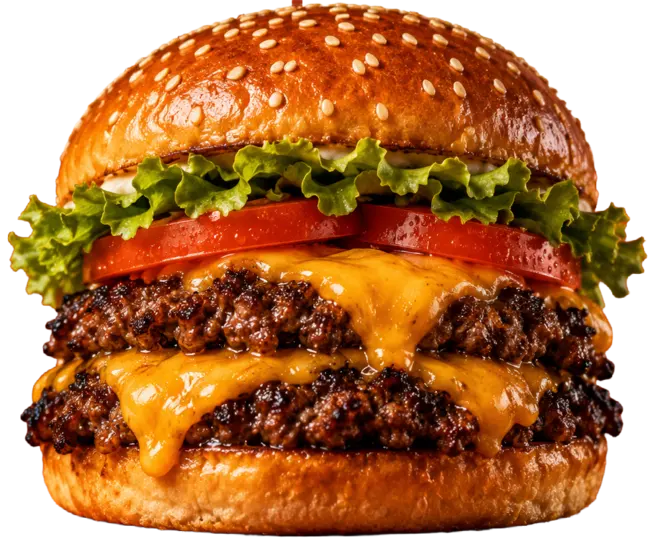 Image cutouts
 Background
Unlayers vs Photoshop
- Input. Photoshop edits text only if you have the PSD with live text layers. Unlayers works from the exported JPG or PNG.
- Skill. Rebuilding a flattened ad in Photoshop means clone-stamping the background and setting the type again by hand. Unlayers does the separation for you; you retype and move.
- Cost. Photoshop is a monthly subscription. Unlayers is one credit per image, with a 10-credit pack and no subscription.
- Output. Photoshop gives you a PSD and full control. Unlayers gives you a PNG with your edits and a saved project you can reopen; it does not export PSD.
Unlayers vs Canva
Canva is excellent for designs you start in Canva. On paid plans, its Grab Text tool can pull text out of a photo into an editable text box; Canva says it works best on straight, unskewed text. Unlayers works on the whole image at once: every piece of text, the objects and the background, for one credit per image instead of a subscription. You can also export the result as a PNG and keep working in Canva.
Unlayers vs background removers
A background remover gives you one cut-out of the subject and throws the rest away. Unlayers keeps everything: the subject as a cut-out, the background filled in, and every piece of text as its own editable layer. If all you need is a transparent product shot, a remover is enough; if you need to change the words or take them out, you need layers.
What Unlayers is not for
- Retouching skin, compositing several photos or painting new content. That is still Photoshop territory.
- Pixel-perfect font matching. Fonts are matched to the closest web font; change the font or check it side by side before you publish.
- Very low-resolution or extremely busy images, where the cut-outs get rough.
When it fits
You have the finished image and not the source, the change is text or layout rather than painting, and you want it done in minutes without learning a tool. Try the free demo on the sample poster first; your own image costs one credit.
Frequently asked questions
Does Unlayers export a PSD?
No. It exports a PNG at the original size. The layers stay editable in the saved project, in your browser.
Is Unlayers free?
The demo is free and needs no sign-up. Converting your own image costs one credit, from a one-time pack or a monthly plan.
Does it work on a phone?
Yes. Unlayers runs in the browser on desktop and mobile; a larger screen is more comfortable for detailed edits.